Challenges in Notion Recovery
Notion's API is not designed for data recovery, making a complete restoration of a Notion workspace impossible with the current API. This article discusses common challenges and potential workarounds.
The technical insurmountable obstacles to a complete recovery of a Notion workspace are well-known within the community. Any third-party tools claiming to restore Notion can essentially only achieve partial reconstruction, with the unrecoverable parts often hidden in their limitations documentation.
The fundamental reason for this issue is that the Notion API is not designed for data recovery scenarios, thus failing to cover several critical use cases. In this article, we'll discuss the challenges faced in Notion data recovery and possible approaches.
Data Recovery
Data recovery, in contrast to data backup, refers to the ability to fully restore a system to its state at the time of backup. All data, data relationships, and data metadata should be preserved, allowing users to continue working based on the restored system. Most mature commercial systems offer comprehensive data backup and recovery support.
Why Complete Notion Recovery Is Not Feasible
The official Notion API is positioned as an interface for content reading and writing, not for backing up and restoring workspace data. There's a fundamental gap in capabilities between these two purposes.
Notion itself provides historical data recovery capabilities. The 'Page History' feature in the Notion application interface allows users to view and restore any version of a page from the past 7 days (free plan) to indefinitely (Enterprise plan). However, this functionality is not exposed via the API. This means any third-party tool relying on the official API cannot leverage this useful feature.
Notion maintains complete data backups (up to one month). If you don't have your own backup solution, this is your last line of defense for retrieving data from Notion after it's been deleted. Notion allows users to contact them in extreme cases to retrieve data from their internal backups. This support serves as a final fallback, rather than a complete solution.
Therefore, based on the current version of Notion's API (2026.03), a complete recovery is impossible.
However, if a disaster has already occurred and data has been lost, and we want to recover as much as possible, we can only reconstruct the data using the existing API. What problems might arise?
Problems Encountered During Data Reconstruction
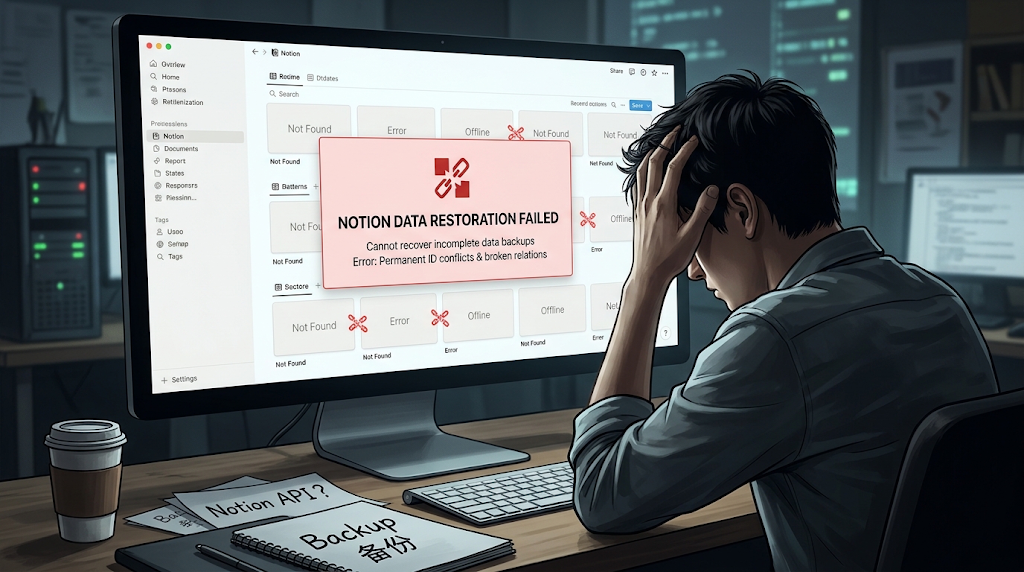
First, because everything is reconstructed based on backed-up content, even if pages look identical, their internal IDs are completely different. This leads to subtle issues, such as previously exported pages becoming inaccessible. Although they appear restored, due to the different IDs, they are actually entirely new pages.
Second, it's impossible to directly create new pages under the workspace. This might seem confusing, but it's because Notion's permission model requires all API-created content to belong to an authorized parent page, and the workspace itself is not a page. Users need to manually create a page (anywhere will do) and then reconstruct data based on it. However, the Notion API does have a 'move page' operation, which allows pages to be moved under the workspace. Many software tools leverage this feature to claim they can restore to the top level.
Third, database relations will break. For two-way relations, only the primary relation can be restored; the inverse relation will be lost. If the target database of a relation is not within the same workspace, the entire relation is discarded. Formula and Rollup properties depend on relation chains, and once a relation breaks, they lose their meaning.
Fourth, view configurations will be lost. Database views are configurations that control data presentation. Since most view configurations are not exported via the API, even complete backups are impossible, let alone complete recovery. Filters, sorting, grouping settings, etc., cannot be restored via the API; only the view's name and layout type can be recovered. Carefully configured Kanban views, calendar views, and filtered table views will become bare views after restoration, requiring manual re-setup.
Tip
NotionManager's local rendering faces the same problem. Since it's impossible to obtain complete view structure information, we can only render locally as closely as possible to Notion's visual style, based on the available information and Notion's aesthetic.
Fifth, block types and structures will be distorted. Nested structures of column lists may be flattened. Block types such as Button, Template, and Link Preview cannot be reconstructed via the API. If a text block's content is too long, it will also be split into multiple blocks, destroying the integrity of the original paragraph.
Sixth, media files need to be re-uploaded. The Notion API does not expose persistent access links for media files; it only returns temporary links valid for one hour. If these files were not downloaded during backup, they might still exist but will be permanently inaccessible. If complete files were backed up, reconstruction requires re-uploading all files.
Seventh, almost all metadata is lost. Information such as creation time, creator, last edited time, and last editor will either become 'current time' and 'integration account' after restoration, or simply reset to zero. Comment attribution will also change to the name of the restoring integration, timestamps will no longer be accurate, and only unresolved comments will be restored.
The consequence of all these issues is that while the data appears restored, you cannot truly rely on it. A comprehensive check is required before use, and configurations for permissions, access control, public links, etc., all need to be redone.
NotionManager's Choice
After understanding these limitations, we made a pragmatic choice. If the existing API cannot guarantee integrity requirements, NotionManager will not currently offer a recovery feature.
Rather than providing an incomplete solution where 'users discover broken relations, lost view structures, missing comments, incorrect timestamps, and permission collapses' after recovery, we decided to focus on local versioning of workspaces. Users can synchronize their Notion workspace content locally, gaining a read-only browsing experience close to Notion's native feel: searching, browsing, viewing structures and relations, all completed locally. With a searchable local copy of their data always available, this itself is valuable for users concerned about data sovereignty.
For recovery, for now, users must rely on Notion's official trash (30-day window), page history (tiered by plan), or even customer support in extreme cases. Catastrophic data loss beyond these windows is outside the scope of a third-party backup tool's capabilities.
Of course, the Notion API is continuously evolving, and we hope that Notion will open up more capabilities in the future, such as workspace recovery. When that happens, NotionManager will be among the first to provide support.
Comments
No comments yet. Be the first to share your thoughts!
Leave a Reply
Your email address will not be published. Required fields are marked *