Which Notion Backup Do You Actually Need? A Tool Comparison
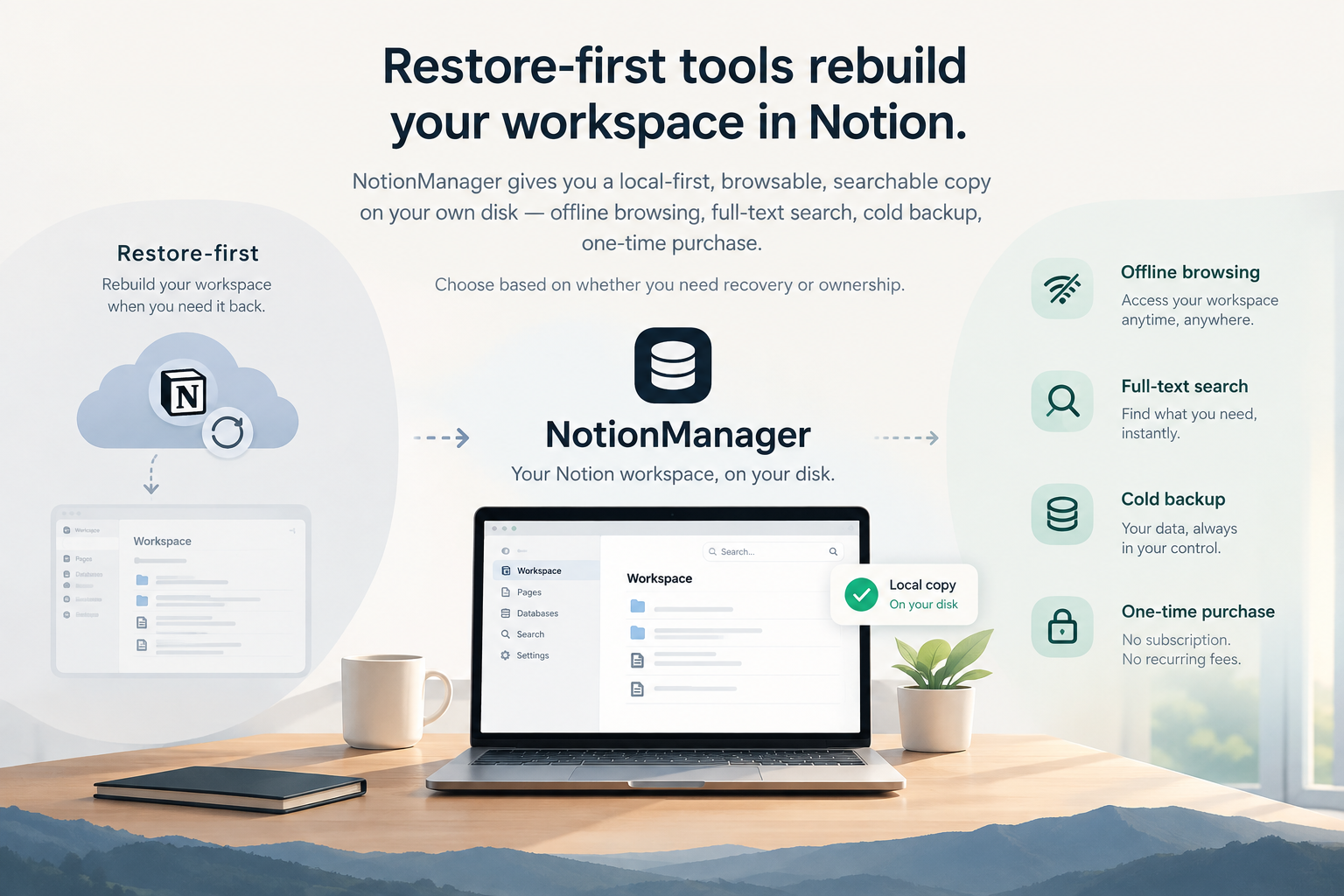
Restore-first tools rebuild your workspace in Notion. NotionManager keeps a local-first, browsable copy on your own disk — offline and searchable.
A recent comparison on Restora's blog ranked seven Notion backup tools by one question: can it restore your databases back into Notion with relations and views intact? That's a fair question. If your workspace gets deleted or corrupted, you want a way back in.
But it's not the only question. And if you're choosing a backup tool, it's worth knowing that "restore" and "backup" are not the same thing.
NotionManager takes a different path. It doesn't restore into Notion. Instead, it gives you something the restore-first tools don't: a complete, browsable, searchable copy of your workspace that lives entirely on your own machine. This is what versioning means: not just snapshotting, but keeping a usable copy over time.
Here's how to decide which kind you need.
Two Different Jobs
Restore-first tools (Restora, SimpleBackups, Notion Backups, ProBackup) are built for disaster recovery. Their value shows up on a bad day: your workspace is gone, and you need it back inside Notion, with relations reconnected and views rebuilt. They store backups in the cloud or your own bucket, and they charge for the restore step.
NotionManager is built for access and ownership. It saves your workspace to a local folder — one you can open, browse, and search without an internet connection. There's no restore into Notion, because the copy is already yours, in a form you can read.
Neither approach is wrong. They solve different problems.
What NotionManager Does That Restore-First Tools Don't
| Capability | NotionManager | Restore-first tools |
|---|---|---|
| Offline browsing | Yes — a local, Notion-like view | Not Available |
| Full-text search across backups | Yes, entirely local | Not Available |
| Data location | Your disk, always | Your bucket or the vendor's servers |
| Pricing model | One-time purchase | Monthly subscription ($6–$28+/month) |
| Works without Notion | Yes | Restore requires Notion's API |
| Cold backup | Yes | Not Available |
| Remote browsing | Yes | Not Available |
| Restore into Notion | No | Yes (with documented limits) |
The restore-first tools are better at one specific thing: putting data back into Notion. NotionManager is better at a different thing: making sure you always have a usable copy, no matter what happens to Notion or your account.
When You'd Choose NotionManager
- You want to read your notes without Notion. Maybe you're offline, maybe Notion is down, maybe you've decided to leave the platform. Your backup is still fully usable.
- You want to search everything you've ever written. Restore-first tools give you a ZIP or a database dump. NotionManager gives you a search box.
- You don't want a subscription. Pay once, keep it forever. No monthly fee to access your own data.
- You want your data on your own disk. Not in a vendor's bucket, not in a sync client's cache — on hardware you control.
- You want a safety net, not a recovery plan. If you mainly worry about "what if I lose access," a local browsable copy is often enough.
When You'd Choose a Restore-First Tool
- Your worst-case scenario is workspace deletion. You need to rebuild databases inside Notion, with relations and views.
- You want automated, scheduled backups to cloud storage without managing files yourself.
- You need compliance paperwork (SOC 2, ISO 27001) or vendor-managed retention.
- You're backing up many SaaS apps and want them under one dashboard.
Can You Use Both?
Yes — and for some people, that's the right answer.
A restore-first tool handles disaster recovery: if your workspace is lost, it rebuilds it in Notion. NotionManager handles everyday access and long-term ownership: a local copy you can browse, search, and keep forever, independent of any vendor.
They're not competitors. They're layers.
The Question to Ask Yourself
Restora's comparison asks: "Can it restore into Notion?"
A better first question is: "What do I actually need from a backup?"
- If the answer is "a way to rebuild my workspace after a disaster" — choose a restore-first tool.
- If the answer is "a copy I can always open, search, and own" — choose NotionManager.
- If the answer is "both" — use both.
NotionManager's whole design is local-first: your data on your disk, readable without anyone's permission, searchable without anyone's server. That's a different promise from "we'll put it back for you." Both are valid. Now you can pick the one that matches your actual risk.
Comments
No comments yet. Be the first to share your thoughts!
Leave a Reply
Your email address will not be published. Required fields are marked *