
팁EN 전용2026년 10월 17일댓글 0개
Freeze Your Notion Pages with NotionManager: A Simple Guide
Discover how NotionManager bridges the gap between Notion's cloud collaboration and the need for frozen, presentation-ready local snapshots
Admin
글 읽기 Notion 데이터 보안의 모범 사례를 살펴보고, NotionManager의 최신 소식을 읽고, 생산성을 높이는 팁을 확인하십시오.
Discover how NotionManager bridges the gap between Notion's cloud collaboration and the need for frozen, presentation-ready local snapshots
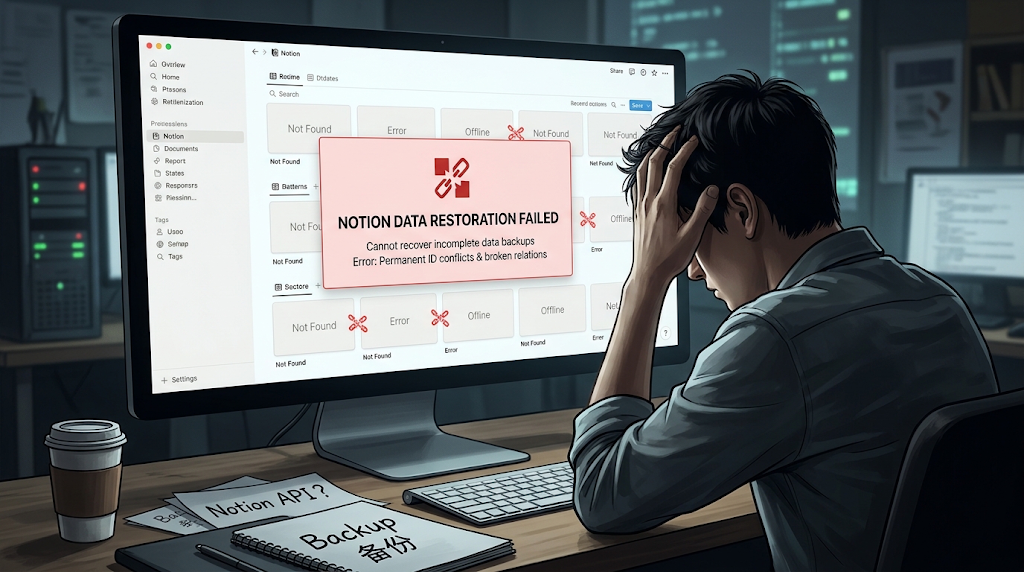
Notion's API is not designed for data recovery, making a complete restoration of a Notion workspace impossible with the current API. This article discusses common challenges and potential workarounds.
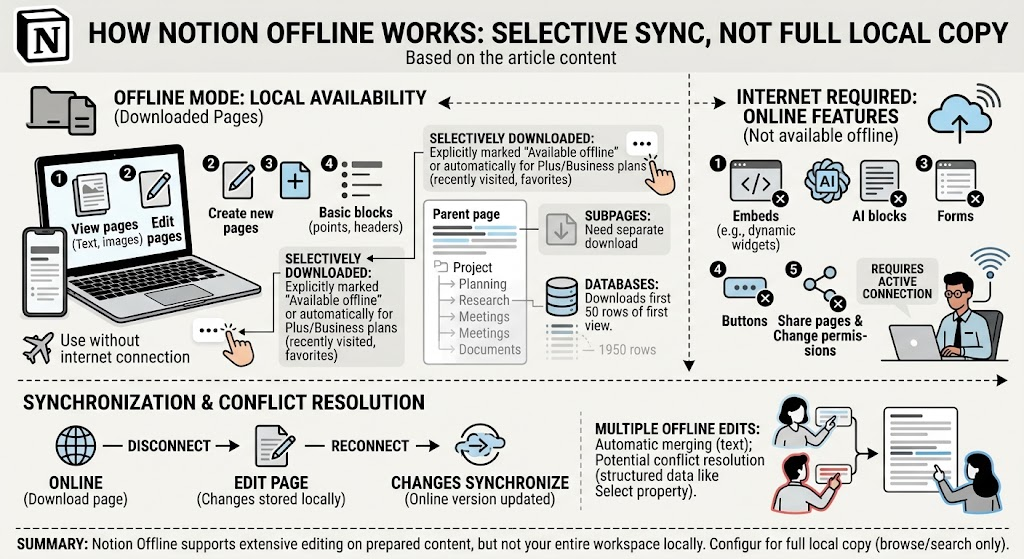
Notion now supports offline mode on desktop and mobile apps. Learn how Notion Offline works, what pages and database data are available offline, what features require an internet connection, how offline edits sync, and the key limitations of Notion’s offline experience.
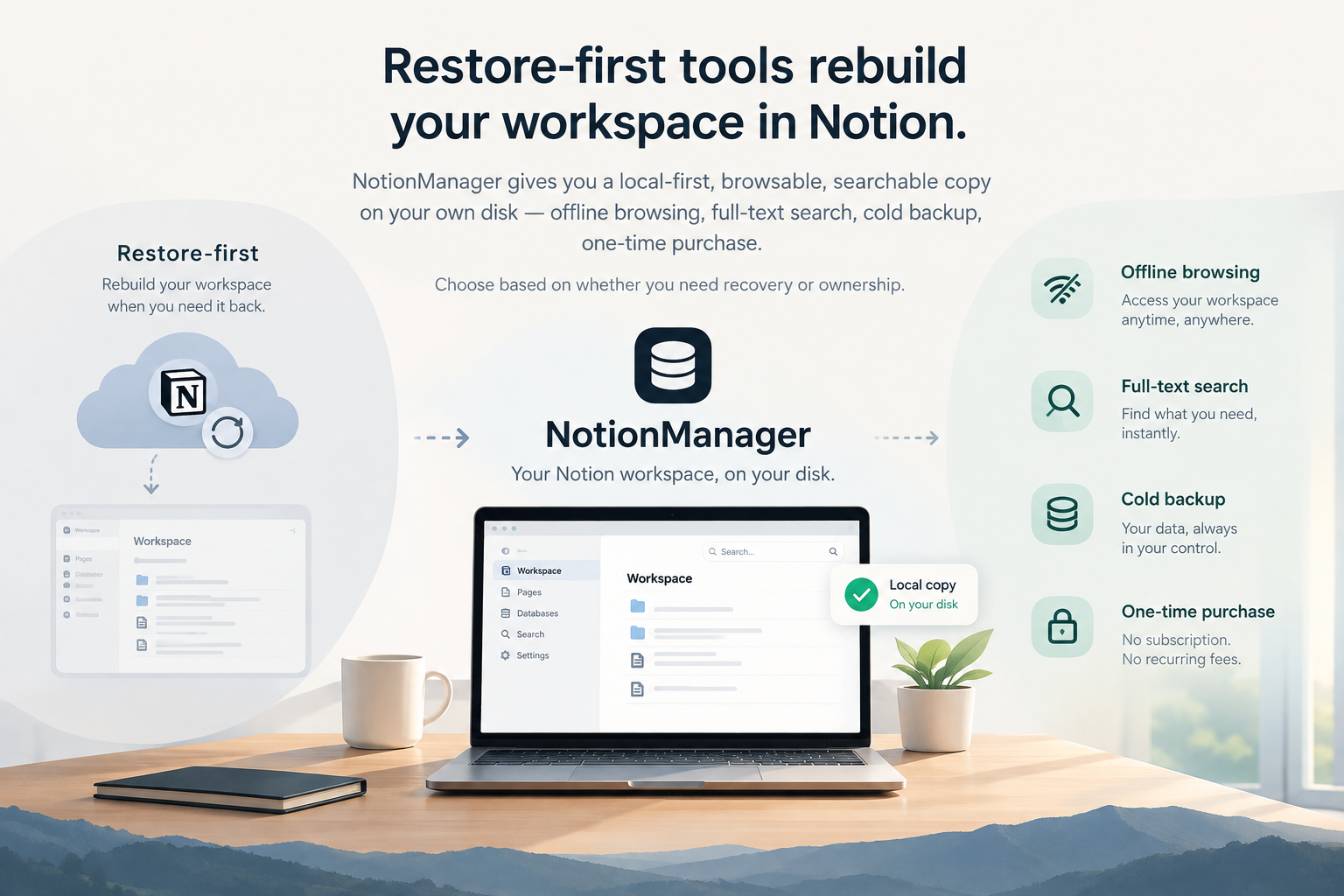
Restore-first tools rebuild your workspace in Notion. NotionManager keeps a local-first, browsable copy on your own disk — offline and searchable.
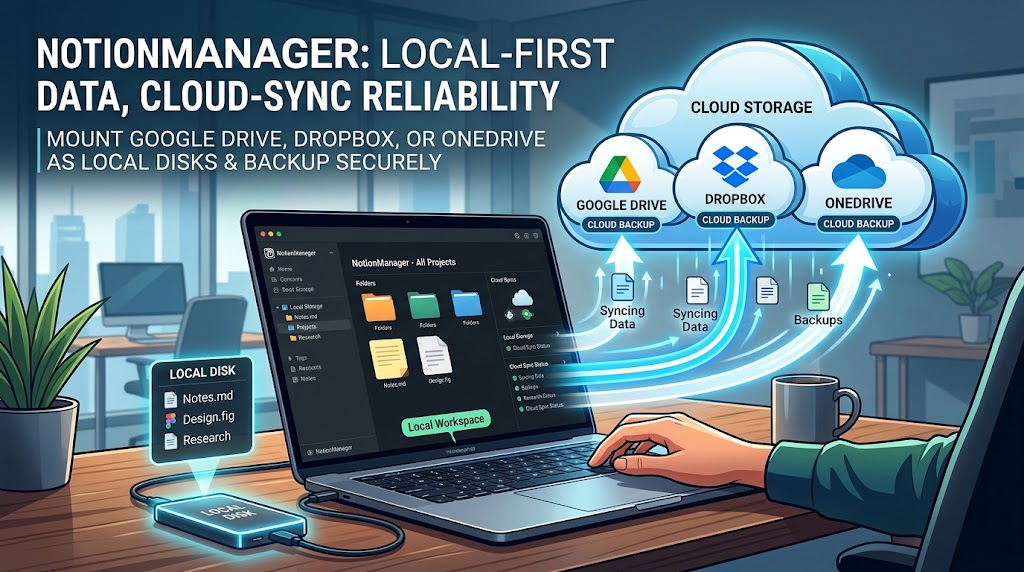
NotionManager is local-first, yet you can still back up to the cloud. Mount Google Drive, Dropbox, or OneDrive as a local disk and point the app at it.